
 CONVERGE Horizon
View the Job Log
You can see detailed status information in the job log. On the Jobs page, click on the name of the job to open the Job Details page. Expand the Log section to view the job log.
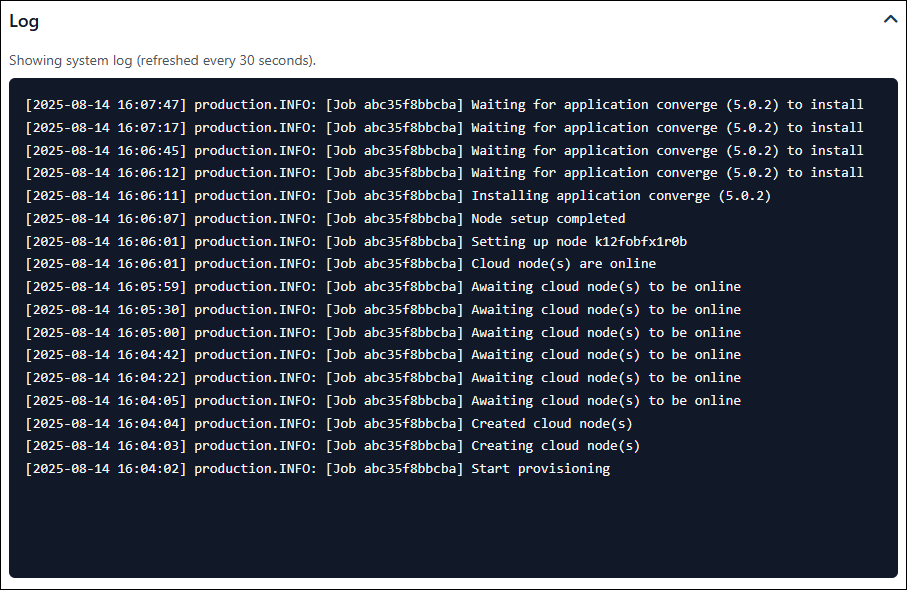
An example system log for a job.
Depending on job status, the job log can display one of two different logs—the system log or the horizon.log file. The system log, which shows information from the CONVERGE Horizon back end, appears when the status is Pending, Provisioning, Interactive, or Stopping. The horizon.log file, which contains standard output from CONVERGE (i.e., output that would be written to the screen if you ran the simulation locally), appears when the status is Running.
The job log shows only the most recent information from the system log or the horizon.log file. No information is displayed for jobs that are Stopped or Failed.